


Sniper Area: Shooting games
4.62.33K Reviews
App Specs
- Version
- 3.3.12
- Updated On
- License
- Free
- Downloads
- 10,000,000+
- Developer
- Studio WW Games
- Categories
- Action
- Platform
- Android, iOS
Screenshots
 Analysis by AppCompare
I like sniper games best when they give me a clear reason to slow down: settle the view, judge the shot, and act rather than firing constantly. Sniper Area: Shooting games is built around that focused rhythm, with missions that put distance and accurate aiming at the centre of the action. I found it easiest to enjoy when I treated each attempt as a small routine instead of rushing to the next shot.
A practical rhythm for each mission
My baseline is simple: take a moment to read the scene, bring the target into view, and use zoom deliberately before firing. That sounds obvious, but it makes a difference in a game where small aiming corrections are part of the appeal. If I moved the aim in broad swipes, I was more likely to overshoot; shorter adjustments gave me better control and made the shot feel earned.
I also try not to confuse speed with efficiency. A quick shot can be satisfying, but pausing briefly to understand what the mission is asking for helps avoid wasting attention on the wrong target or rushing a difficult one. The strongest sessions came when I stayed patient and repeated a reliable sequence: scan, align, zoom if useful, then shoot.
Small settings checks that improve comfort
Before settling into a longer session, I recommend checking how the aiming and zoom controls feel on your own screen. Hand size, device size, and whether you play one-handed or with both hands all affect how comfortable the on-screen buttons are. I would make a few low-stakes adjustments first rather than changing several habits at once; that makes it easier to tell which approach actually helps.
For a more controlled shot, keep your thumb movements short and rest the phone on a stable surface when convenient. This is not a special game feature, just a practical way to reduce accidental movement on a touchscreen. If you play while walking or commuting, save precision-heavy attempts for when you can sit still; interruptions make careful aiming less enjoyable.
How I build speed without rushing
Once the controls feel familiar, consistency matters more than frantic tapping. I use the same order of actions each time and avoid making large corrections when a small adjustment will do. That repeatable habit is useful on moving-target missions, where overreacting to movement can pull the sight away from the target instead of keeping it under control.
It also helps to notice what caused a miss rather than immediately repeating the same motion. Was the aim too far to one side, did I zoom before I had a clear view, or did I fire while still correcting? A brief mental note makes the next attempt more deliberate. This kind of self-check is one of the game’s quieter strengths: it gives players room to improve through practice rather than relying only on quick reflexes.
Worth Reading Before You Choose

EA SPORTS FC Mobile 26 Is a Bigger Football Game, but It Takes Time

Flipboard Shows What News Apps Must Do Beyond the Feed

Switching to Android Auto Means Rethinking Your Driving Routine

Google Calendar Makes a Crowded Week Easier to Manage

Ludo King Makes the Most of the Minutes Between Plans

Baby Panda World Brings Quick Play to Modern Phones, but Its Game Library Feels Busy
Where the challenge has limits
Sniper Area suits players who want short, focused shooting sessions and the satisfaction of carefully lining up a shot. It is less suitable if you mainly want expansive exploration, a story-led campaign, or the fast movement and close-range chaos found in many action shooters. Its appeal is narrower by design: patience and precision are the point, so anyone who dislikes pausing to aim may find the pace slow.
Touchscreen aiming can also feel less exact than using a physical controller, especially when you are making fine corrections on a small display. I would not expect every attempt to feel equally smooth, and playing in a distracting setting can make the game feel harder than it needs to be. Those are ordinary mobile-shooter trade-offs, but they matter if precise input is your top priority.
Getting Started with Precision
First things first, installing the app on your device is a breeze. Available on both Android and iOS, Sniper Area: Shooting games doesn’t take up much space, so you won’t have to worry about making room. Once you fire it up, you’re greeted with a sleek interface that’s easy to navigate. The developers have done a great job ensuring that even if you’re new to sniper games, you’ll feel right at home.
Gameplay and Graphics
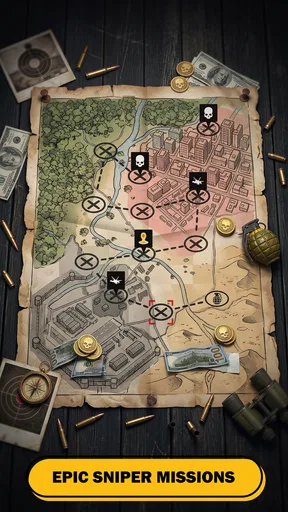
The game shines when it comes to its gameplay mechanics. You’re thrown into various missions where your goal is to take down targets from a distance. Each mission comes with its unique set of challenges, requiring you to think on your feet and aim with precision. And let me tell you, there’s nothing quite like the satisfaction of nailing the perfect shot.
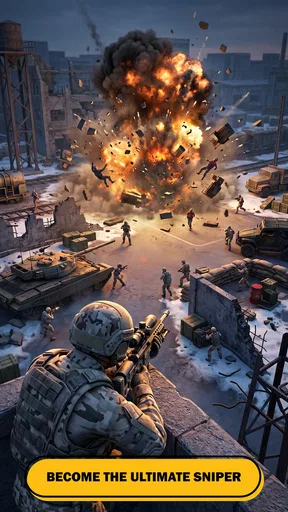
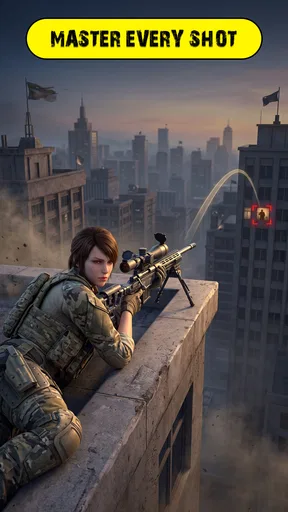
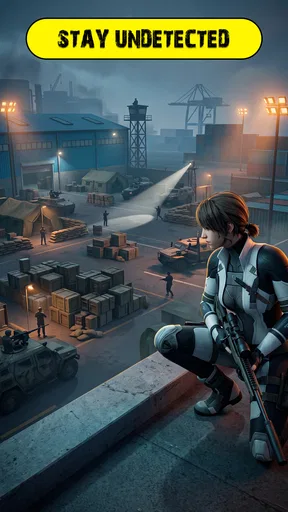
Graphically, the game doesn’t disappoint. The environments are detailed, immersing you into the world of covert operations. Whether you’re perched on a rooftop or hidden in the shadows, the visuals pull you in, making each mission feel realistic.
Weapons and Upgrades
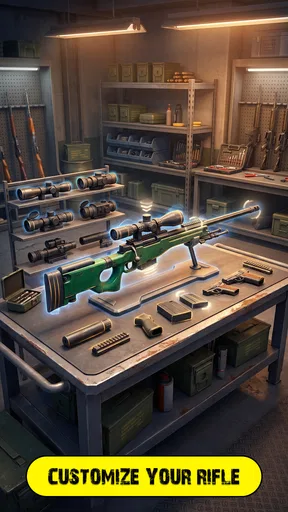
What’s a sniper game without an arsenal of weapons to choose from? Sniper Area offers a variety of rifles, each with its own strengths and weaknesses. As you progress, you can upgrade your gear, enhancing things like stability, zoom, and firepower. This upgrade system adds a layer of strategy, encouraging you to carefully plan your loadout before heading into a mission.
A useful way to approach upgrades is to focus on what is making a mission difficult rather than improving everything at once. If steady aiming is the problem, stability is the natural place to look; if seeing a target clearly is the obstacle, zoom may feel more valuable. I prefer to make one change and then pay attention to whether it actually improves my next run. That turns upgrades into a practical choice instead of a reflexive spend.
There is a trade-off here: better gear can make a familiar task feel more manageable, but it does not replace learning how the controls respond. I would spend time getting comfortable with aiming before assuming that an upgrade will solve every missed shot. The game is more satisfying when improved equipment supports a habit you have already started building.
Mission Variety
One of the game’s strengths is its variety of missions. You won’t just be taking down static targets; some missions require you to adapt to moving targets, wind conditions, and even night operations. The diversity keeps the game fresh, ensuring you’re always facing a new challenge.
That variety also makes it useful to change your approach rather than carry one routine into every situation. A stationary target gives you room to settle your aim, while movement calls for smoother tracking and fewer sudden corrections. When conditions make a shot harder to read, I find it sensible to spend longer observing before acting. The point is not to force a quick clear; it is to notice what the mission is asking you to handle.
For an everyday session, I would pick a quiet break at home or a few minutes while waiting somewhere comfortable, rather than trying to play through a crowded commute. A static-target mission can work as a brief, low-pressure change of pace; a mission involving movement or reduced visibility is better saved for a moment when I can give it proper attention. That choice makes the game fit around the day without turning a relaxing break into a frustrating one.
Controls and User Experience
The controls are intuitive, which is crucial for a game that requires precision. You can easily adjust your aim with a swipe, and the on-screen buttons for firing and zooming are well-placed. The user experience is smooth, with minimal lag, even in intense moments.
Compared with a typical action shooter that emphasizes running, close encounters, and rapid exchanges, this game asks for a more measured kind of attention. That is its clearest distinction, and also the reason it will not suit everyone. If I want movement and constant combat, I would choose a different style of shooter; if I want to practice careful aim in compact sessions, Sniper Area is the more fitting option.
It is also worth thinking about where you play. A steady grip and an unobstructed view of the screen help more than trying to compensate with faster swipes. If a control feels awkward, I would first adjust how I hold the phone and slow the sequence down before deciding the game itself is too demanding. But players who need controller-level precision may still prefer a game designed around physical controls.
Sound and Atmosphere
Sound design is another area where this game excels. The crack of your rifle, the distant chatter of enemies, and the ambient sounds of the environment all contribute to a tense and exciting atmosphere. It’s the little details that make you feel like you’re part of the action.
The audio helps the missions feel more involving, but the game can still be enjoyed as a visual aiming challenge when a quiet setting is more practical. I would keep the sound at a level that suits the room rather than letting it distract from the screen. The key feedback for me is still whether the aim is under control and whether I have taken time to read the situation.
Who will enjoy this particular kind of shooting game
Studio WW Games has made an action game for people who enjoy deliberate aiming more than constant movement. It is a good fit for someone who likes short attempts, wants a clear task to focus on, and finds satisfaction in gradually making cleaner shots. A newcomer can learn the basic rhythm, while a regular mobile-shooter player may appreciate having a more patient alternative to games built around rapid firefights.
I would steer away from it if your ideal shooter depends on a large world to explore, a strong narrative thread, squad play, or complex tactical planning. Those are different pleasures, and this game’s appeal is much more immediate: look, aim, and take the shot. That focused format is a strength when you want a quick challenge, but it also means it should not be mistaken for a broad military simulation.
One question players often have is whether the title works for offline play. Its store summary presents it as an offline sniper game, which makes it a reasonable option to consider when you want shooting action without relying on a live match. I would still treat it as a focused solo experience rather than expecting the social competition or changing human opponents found in online shooters.
What the price and age rating mean in practice
The game is free to download, with optional in-app purchases priced from $1.49 to $2.49 per item. I would start without spending and see whether the missions and upgrade choices hold my interest first. Purchases make more sense only if you already know what part of progression you want to support; there is little reason to buy something simply because it is available.
Its Teen content rating is another useful point for families deciding whether it is appropriate. The action centres on shooting, so I would consider whether that kind of combat is comfortable for the player rather than relying on the label alone. Parents can also use the device’s purchase controls if they want to prevent unintended spending.
On the store, Sniper Area has a 4.6 average from around 117,000 ratings, with more than 10 million installs. Those figures suggest that the focused sniper format has reached a broad mobile audience, but they do not tell me whether the pace or touchscreen controls will suit a particular person. My own recommendation depends on that fit more than popularity.
Final Thoughts
In the world of mobile shooting games, Sniper Area: Shooting games stands out with its engaging missions, stunning graphics, and smooth gameplay. Whether you’re a seasoned sniper game veteran or a newbie looking for some action, this app has something to offer. It’s a fantastic way to test your skills, strategize, and most importantly, have a blast while doing it.
So, if you’re ready to take on the role of a stealthy sharpshooter, give Sniper Area a shot. Just remember, keep your aim steady and your eyes on the target. Happy sniping!
For a player still deciding, the game’s strongest reason to try it is the combination of mission-based shooting and a deliberate pace. Its weakest fit is anyone who expects every action game to reward speed, movement, and nonstop encounters. The current version is 3.3.10 and requires Android 8.0 or later on Android; I would check the relevant device store before downloading on a particular phone or tablet.
Overall, I recommend it as a free, focused option for people who enjoy practicing aim and changing their approach between different mission conditions. Keep purchases optional, give the controls a fair chance in a calm setting, and judge it by whether careful shots are fun for you. If they are, Sniper Area makes a satisfying break from faster shooters; if they are not, a more movement-driven action game will probably be a better use of your time.
Pros
- Realistic graphics enhance gameplay experience.
- Wide variety of weapons to choose from.
- Engaging missions keep players interested.
- Smooth controls make aiming easy.
- Frequent updates with new content.
Cons
- In-app purchases can be expensive.
- Requires a stable internet connection.
- Ads can interrupt gameplay frequently.
- Limited offline content available.
- Some levels feel repetitive over time.
FAQs for Sniper Area: Shooting games
Is Sniper Area: Shooting Games free to play?
Yes, Sniper Area: Shooting Games is free to download and play. However, it contains in-app purchases and ads that enhance the gaming experience. Players can purchase additional weapons, upgrades, or remove ads. It's important to monitor these purchases, especially if children are playing.
What are the system requirements for Sniper Area: Shooting Games?
Sniper Area: Shooting Games requires Android 5.0 or later and iOS 10.0 or later. The game is optimized for smooth performance on most devices, but higher-end devices will deliver better graphics and smoother gameplay. Ensure you have adequate storage space for updates and additional content.
Does Sniper Area: Shooting Games require an internet connection?
Sniper Area: Shooting Games can be played without an internet connection, making it convenient for offline play. However, certain features, such as leaderboard updates or special events, may require a connection. It's best to have Wi-Fi available to fully enjoy all aspects of the game.
How realistic are the graphics in Sniper Area: Shooting Games?
The graphics in Sniper Area: Shooting Games are highly realistic, featuring detailed environments and lifelike animations. The developers have focused on creating an immersive sniper experience with realistic weapon mechanics and sound effects. This attention to detail enhances the overall gameplay.
Can I play Sniper Area: Shooting Games with friends?
Currently, Sniper Area: Shooting Games is designed as a single-player experience. There are no multiplayer modes available. However, players can compete against each other on global leaderboards, allowing for some level of competition and interaction with the community.


